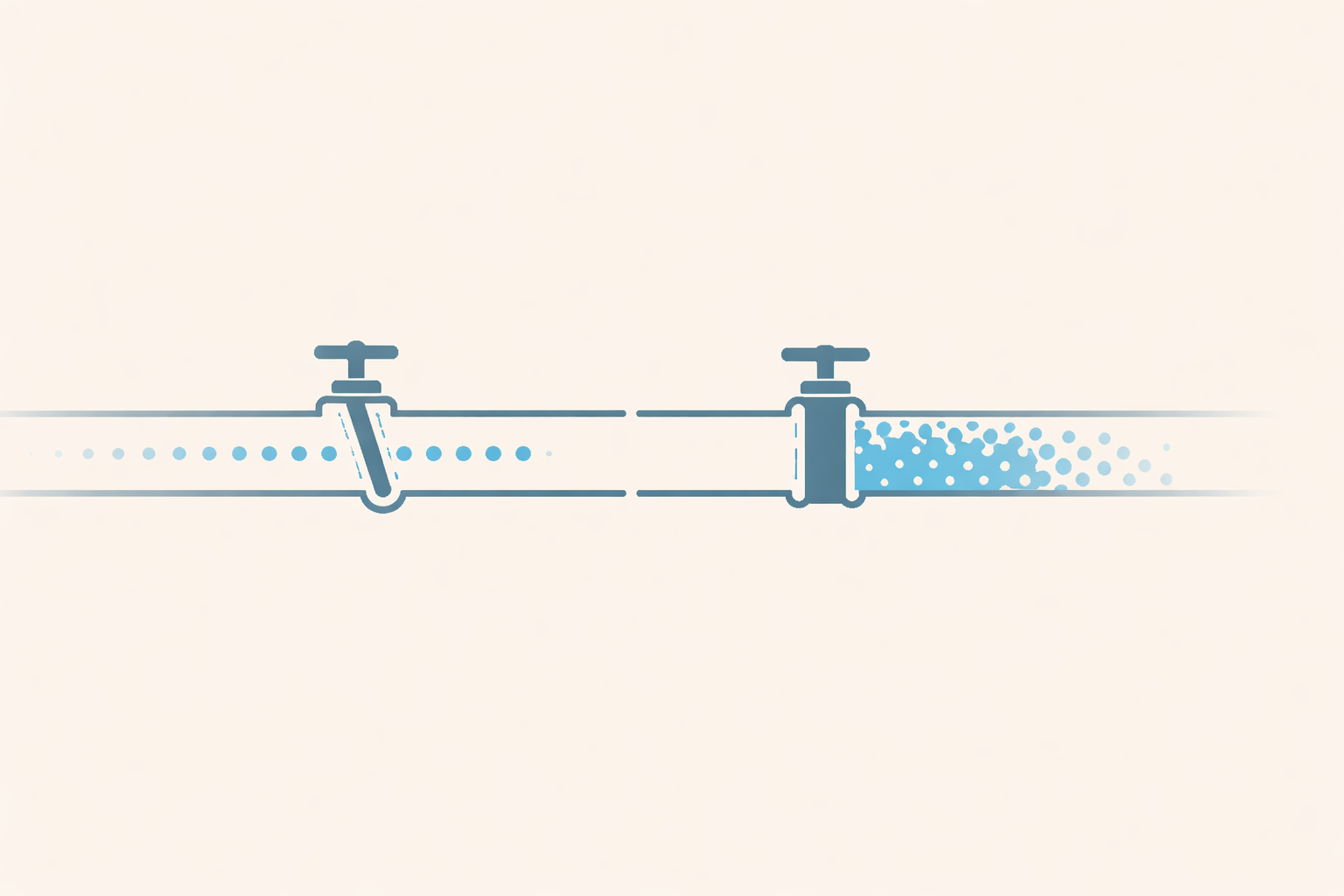
Replication slots are one of those PostgreSQL features that look simple until they bite you. The concept is straightforward — a slot guarantees that WAL data won't be discarded before a consumer has read it. What the documentation doesn't emphasise enough is what happens to your database when a slot is there but nothing's consuming it.
When I set up AWS DMS to migrate a production database off Supabase, I ran into this problem in a specific and subtle way. Here's what's actually happening under the hood, and why the default DMS task behaviour is wrong for this use case.
What a replication slot actually is
Normally, PostgreSQL discards Write-Ahead Log (WAL) segments once they're no longer needed for crash recovery or standby replication. A replication slot changes that guarantee: it tells PostgreSQL "don't discard WAL past this point until I say I've consumed it."
This is what makes logical replication work. The consumer — whether that's a subscriber in a PUBLICATION/SUBSCRIPTION setup, or an external tool like DMS — reads from the WAL stream via the slot. The slot tracks the consumer's progress (confirmed_flush_lsn) and holds back WAL accordingly.
You can see the state of any slot directly:
SELECT slot_name, plugin, active, restart_lsn, confirmed_flush_lsn
FROM pg_replication_slots;
The active column tells you whether something is currently connected to the slot. restart_lsn is the oldest WAL position PostgreSQL is required to retain because of this slot.
The problem: inactive slots accumulate WAL forever
If a slot exists but nothing is consuming it, confirmed_flush_lsn stops advancing. PostgreSQL keeps accumulating WAL from that point forward, indefinitely, to fulfil the slot's guarantee.
On a busy database, this can fill your disk surprisingly fast. The slot doesn't care that no one's reading from it — it just keeps holding WAL.
On a managed service like Supabase, the platform handles this by automatically dropping replication slots that have been inactive past a threshold. This is the right call for the platform — unchecked slot accumulation would be a reliability risk for every tenant. But it creates a problem if you're using that slot for something.
Where DMS goes wrong by default
Here's the specific behaviour that caused me problems.
AWS DMS tasks have a lifecycle: they run a full load phase (bulk copy of all table data), then optionally transition to Change Data Capture (CDC) mode to capture ongoing changes. The transition is what keeps the source and target in sync after the bulk copy.
By default, DMS is configured to stop the task automatically after full load completes. The assumption is that you'll inspect the results, then manually start CDC. In a self-managed scenario where you control the slot and the database, this is fine.
On Supabase, it isn't. When the DMS task stops, it disconnects from the replication slot. The slot becomes inactive. Supabase's platform sees an inactive slot and — within its configured timeout — drops it. When you come back to start the CDC phase, the slot is gone. DMS tries to resume from a slot that no longer exists, and the task fails.
The fix: keep the slot alive through the transition
The solution is a single task setting: "Do not stop after full load completes."
With this enabled, DMS finishes the bulk copy and immediately transitions into CDC mode without pausing. The replication slot stays active throughout. By the time you're running your data integrity checks and preparing for cutover, the slot has been continuously consumed the entire time.
This also has a practical benefit beyond just keeping the slot alive: the target database stays in sync with the source throughout your entire validation window. There's no gap between full load and CDC where changes are being missed.
Pre-creating the slot
One more thing: let DMS attach to a slot you've already created rather than creating one itself.
When DMS creates a slot automatically, it does so through its own provisioning process, which requires plugin-level permissions that may not be available on your source. Pre-creating the slot gives you direct control:
SELECT pg_create_logical_replication_slot('dms_replication_slot', 'pgoutput');
Create it, then configure your DMS source endpoint to reference it by name. DMS will attach to the existing slot at task start instead of trying to create a new one.
Monitoring slot health
Even with everything configured correctly, it's worth knowing how to check slot health during a long migration:
-- Check if the slot is active and how much WAL it's holding back
SELECT
  slot_name,
  active,
  pg_size_pretty(pg_wal_lsn_diff(pg_current_wal_lsn(), restart_lsn)) AS retained_wal
FROM pg_replication_slots
WHERE slot_name = 'dms_replication_slot';
retained_wal tells you how much WAL PostgreSQL is holding for this slot. If it's growing and the slot shows as inactive, something has disconnected.
If you're on Supabase, you can also check slot status via the Supabase dashboard under Database ? Replication.
Summary
Replication slots are not passive. An inactive slot actively accumulates WAL, and on a managed platform, an abandoned slot will eventually be dropped. The correct DMS configuration for a Supabase migration is:
- Pre-create the replication slot before starting the DMS task
- Set the task to not stop after full load — let it transition directly into CDC
- Run your validation checks while the slot is active and CDC is running
- Cut over, then tear down the slot cleanly after the source is decommissioned
The default DMS behaviour makes sense for self-managed databases where you control the slot. On Supabase, you have to opt out of it.
Comments (0)
Comments are protected by anti-spam filters and rate limiting.
No comments yet. Start the discussion.